
Margins, Alignment, and Positioning
It's not just about how each of the letters and lines look, but a major part of how subtitles can look good and be readable is how the subtitles are framed within the video. Specifically, the margins, alignment, and positioning of the subtitles.
For general and basic typesetting advice, we recommend lyger's Subtitling Guide.
Margins
The Left and Right margin should at least be 60 (Standard is 150)
- It shouldn’t be anywhere near the edge of the screen.
- It should always be near the center.
Vertical margin should at least be 80 (Standard is 100).
The position of the subtitles should NOT be touching the YouTube player bar.
It shouldn’t be able to cover more than the chin of the talent.
Alignment
an2for general subtitles.an5for tag manipulation and animations.- an7 for drawings.
Positions
The positions are dependent on what you are subbing.
- If the video is a Free Talk or Story Telling, it should be centralized on either the center of the screen or where the talent is.
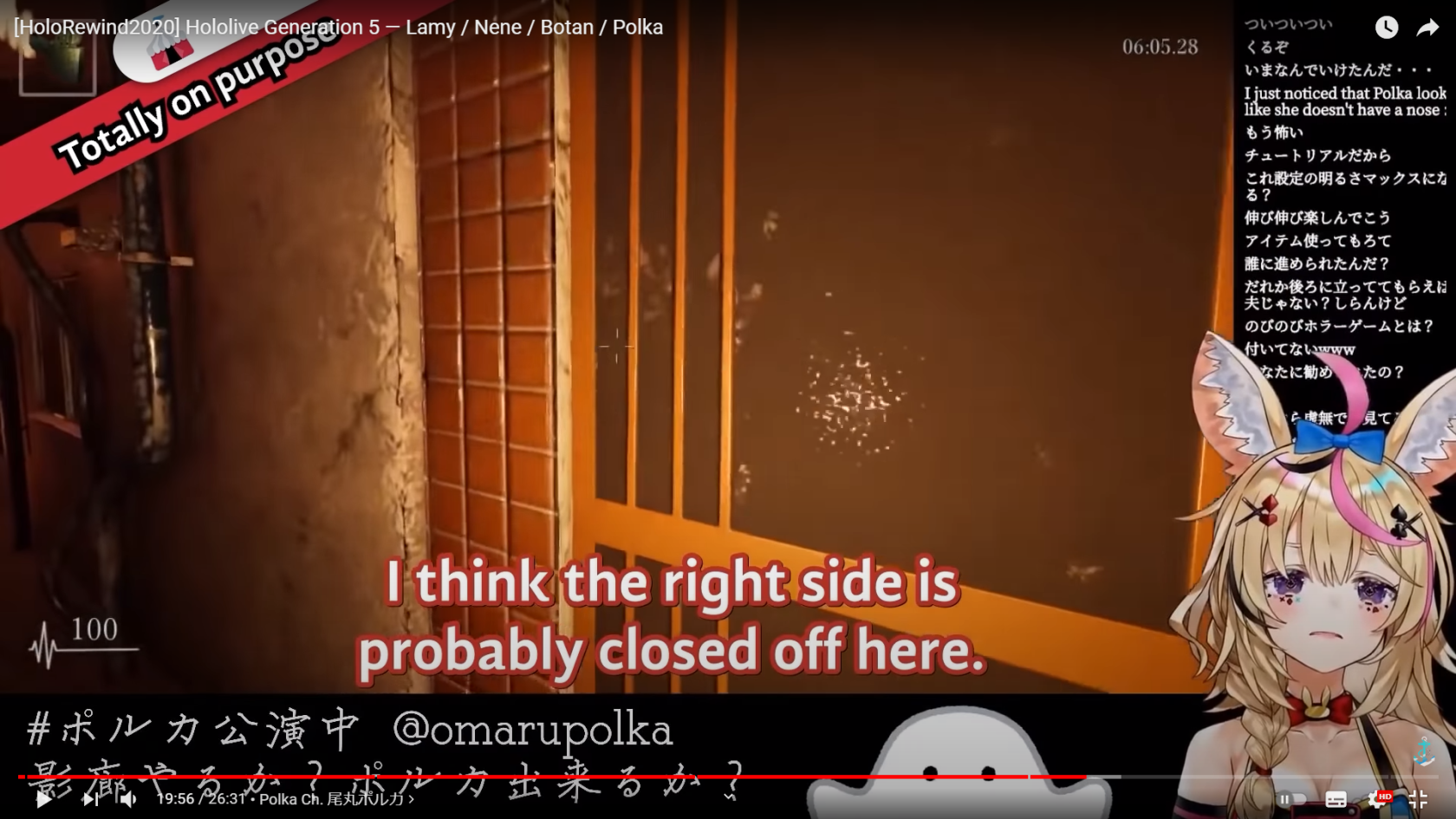
- If the video is a game-play, it should be centralized on the gameplay and avoiding GUIs and Menus.
- The consensus is it should be over where the audience will be looking.
These are common examples of where subtitles should go.

Collabs
Define their positions. If one goes on top of the other, that one should always be on top and vice versa.
If there is a line break, put the top’s position to the one below.
- If the top speaks earlier and has a line break but the bottom also speaks later on, keep the top’s original position.